
Fixing the Bloat: How to Optimize Your Helpdesk for a Fluid Customer Experience
Published July 6, 2026
Fixing the Bloat: How to Optimize Your Helpdesk for a Fluid Customer Experience
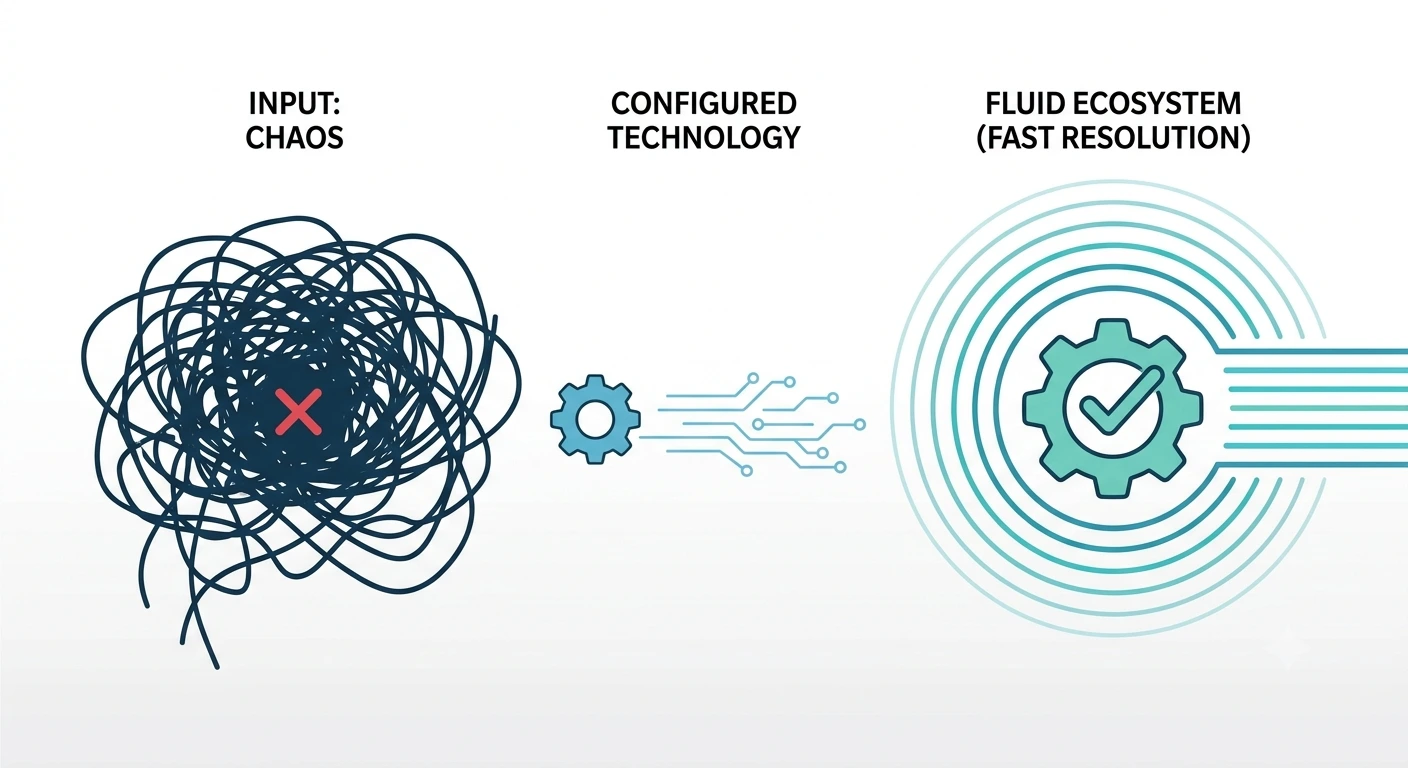
A bloated helpdesk is a silent killer of operational efficiency. As customer bases grow, support teams often bolt new apps, tags, and routing rules onto their existing infrastructure without a cohesive architectural plan. The result? A tangled web of broken ticketing routing rules, misfiring triggers, and poorly integrated voice channels that actively slow down resolution timelines.
When an agent has to click through four different screens just to process a basic return, or when a VIP customer is routed to an entry-level tier-1 queue because of a broken macro, the technology is no longer serving the business. It is creating friction.
For CX Managers, Support Leads, and IT Directors, the challenge is no longer just answering tickets—it is architecting a system that works seamlessly. Rebuilding a messy customer support platform into a high-performance engine requires a deep understanding of data workflows, API integrations, and backend logic.
Here is the technical blueprint for stripping away the bloat, optimizing your infrastructure, and building a fluid, reliable customer experience.
Configuration vs. Customization: Knowing the Difference
When fixing a broken support ecosystem, tech leaders must understand the distinct difference between configuring a system and customizing it. Blurring these lines is exactly how helpdesks become bloated in the first place.
Configuration involves using the native, out-of-the-box tools provided by your software. It is setting up basic email forwarding, creating standard macros, and defining simple business hours. Many companies attempt to solve complex operational problems using only basic configuration, leading to hundreds of messy, overlapping rules that conflict with one another.
Customization, on the other hand, involves writing code and building custom integrations to alter how the software fundamentally operates. This means leveraging webhooks, utilizing REST APIs, and building middleware to force your helpdesk to communicate directly with your proprietary backend databases.
To achieve true scale, you must move beyond basic settings. By leveraging Expert Platform Services, support organizations can audit their existing setup, strip away conflicting native rules, and deploy hard-coded customizations that execute complex operational logic flawlessly.
Mastering Zendesk Implementations
Nowhere is the configuration vs. customization battle more evident than in enterprise software like Zendesk. Poor Zendesk implementations usually feature massive, unorganized lists of triggers and automations that fire out of order.
Optimizing this requires a strict, hierarchical approach to routing. By restructuring your Zendesk environment to utilize skills-based routing and custom JSON payloads, you ensure that every ticket is automatically enriched with the exact customer context your agents need, exactly when they open the window.
Optimizing Voice & Telephony for Contact Center Optimization
Voice support remains one of the most resource-heavy channels to manage. Poorly integrated telephony systems force agents to manually log call details, switch between a softphone app and a ticketing window, and manually search for the caller's account history while the customer waits on hold.
Achieving true contact center optimization requires bridging the gap between your voice provider and your digital helpdesk.
When voice infrastructure is correctly integrated, the system operates as a unified entity:
- Automated Screen Pops: The moment the phone rings, a custom API trigger forces the caller's complete account history, lifetime value (LTV), and active order status to populate on the agent's screen before they even say "hello."
- Intelligent IVR Routing: Interactive Voice Response (IVR) systems should not just be annoying menus. They should execute API calls to your database, identify if a caller has an open critical ticket, and bypass the standard queue to route them directly to the agent already handling their case.
- Automated Call Logging: Call recordings, transcripts, and duration metrics must be automatically parsed and attached to the ticket via backend workflows, completely eliminating manual agent data entry.
Bridging the Gap: Custom App Data Pipelines
Your helpdesk is only as intelligent as the data it has access to. If your support agents have to open a separate tab to check shipping logistics, and another tab to check payment processing, your resolution times will suffer.
True workflow automation support requires robust data pipelines and automation engineering. You must pull raw information from your proprietary backend systems and inject it directly into the agent's user interface.
Building these data pipelines means constructing reliable, secure API connections. When a customer submits a ticket, a background process should instantly query your order management system (like Shopify or a custom SQL database) and your payment gateway (like Stripe). It retrieves the necessary parameters and populates a custom application living right inside the helpdesk sidebar.
By treating your helpdesk not as a standalone tool, but as a node within your larger backend infrastructure, you empower your team to execute one-click resolutions for complex issues.
The System Health Check: Is Your Tech Stack Dragging You Down?
How do you know if your infrastructure requires a total teardown or just minor tuning? A rigorous health check of your customer support operations will reveal the cracks in the foundation.
Compare your current state against an optimized backend infrastructure:
The Bloated Helpdesk (Warning Signs):
- The "Tag Soup" Problem: Tickets have dozens of irrelevant tags, making accurate reporting and analytics impossible.
- Stale Automations: Triggers and automations are still running for products or policies that were discontinued years ago.
- Siloed Data: Agents must constantly ask the customer for an order number or account ID because the system does not recognize the user's email address.
- High Wait Times: Ticketing queues are managed entirely by human triage agents dragging and dropping assignments.
The Optimized Infrastructure (The Goal):
- Clean Taxonomy: Tagging architecture is strictly controlled via automated logic, ensuring pristine data for your analytics dashboards.
- Dynamic Routing: Webhooks evaluate the sentiment and intent of incoming messages, automatically assigning them to the correct specialized department.
- Unified Context: Real-time data from your product backend, billing software, and shipping provider is visible within a single, unified agent workspace.
- Automated Triage: High-priority escalations are instantly detected and pushed to Slack or Microsoft Teams channels to alert management.
Elevating Operations with Custom BPO Development
Optimizing your technology is only half the battle. To truly scale, your workforce must operate in perfect synchronization with your infrastructure.
This is where Custom BPO Development comes into play. By partnering with a technologically advanced outsourcing provider, you don't just get human agents; you get an entire operational engineering team. They can help you map your desired customer journey, build the backend workflows necessary to support it, and train a dedicated team of agents to operate inside your newly optimized ecosystem.
Build a System That Actually Works
A high-performance helpdesk is not bought off a shelf; it is engineered. When you strip away the bloat, organize your routing rules, and build intelligent data pipelines, you stop fighting your technology and start leveraging it to build incredible customer experiences.
Do not let broken routing and siloed data slow down your growth.
Ready to clean up your support architecture? Subscribe to our newsletter for weekly deep dives into backend support engineering, or schedule a comprehensive helpdesk health check with AYSO Operations today. Let us streamline your tech stack so your team can focus on what matters: your customers.